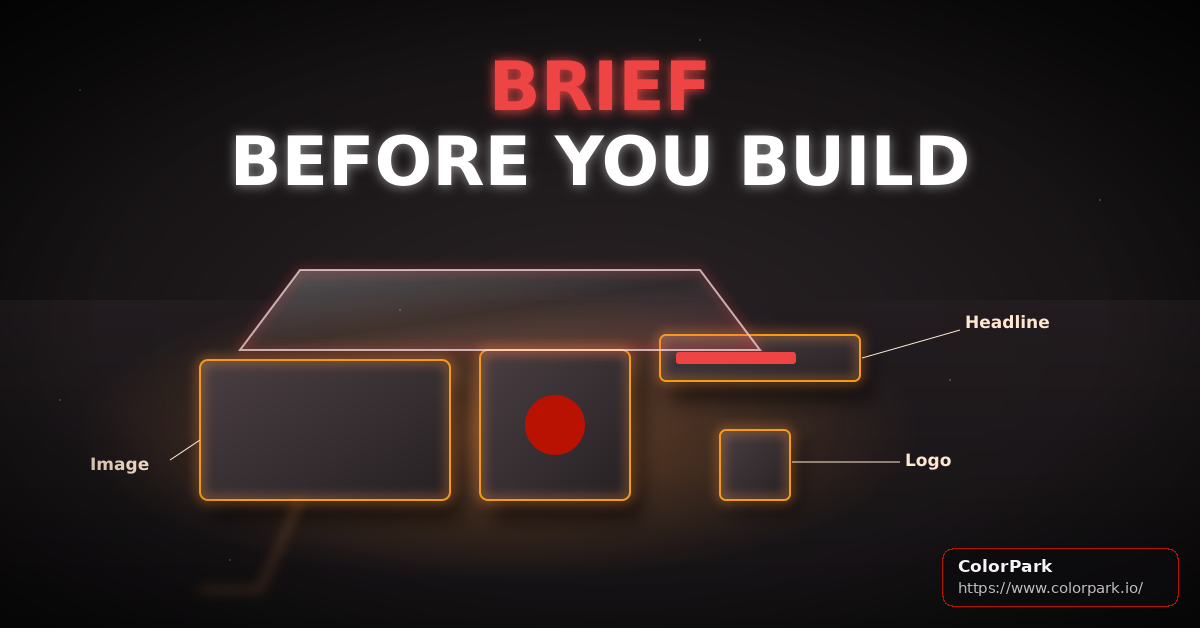
Designed banners often come back cropped, cluttered or missing their best line once Google Ads assembles a display or Performance Max ad from separate pieces. This guide gives you Google's listed image and logo sizes for responsive display ads, a breakdown of who supplies each asset, and a briefing checklist you can send to a designer before anyone builds the campaign.
One boundary runs through the whole guide. A designer can deliver images, logo files and layouts that fit Google's requirements. Campaign setup, bidding, ad spend and strategy stay with you as the advertiser.
Why Artwork Gets Cropped or Cluttered When Google Assembles the Ad
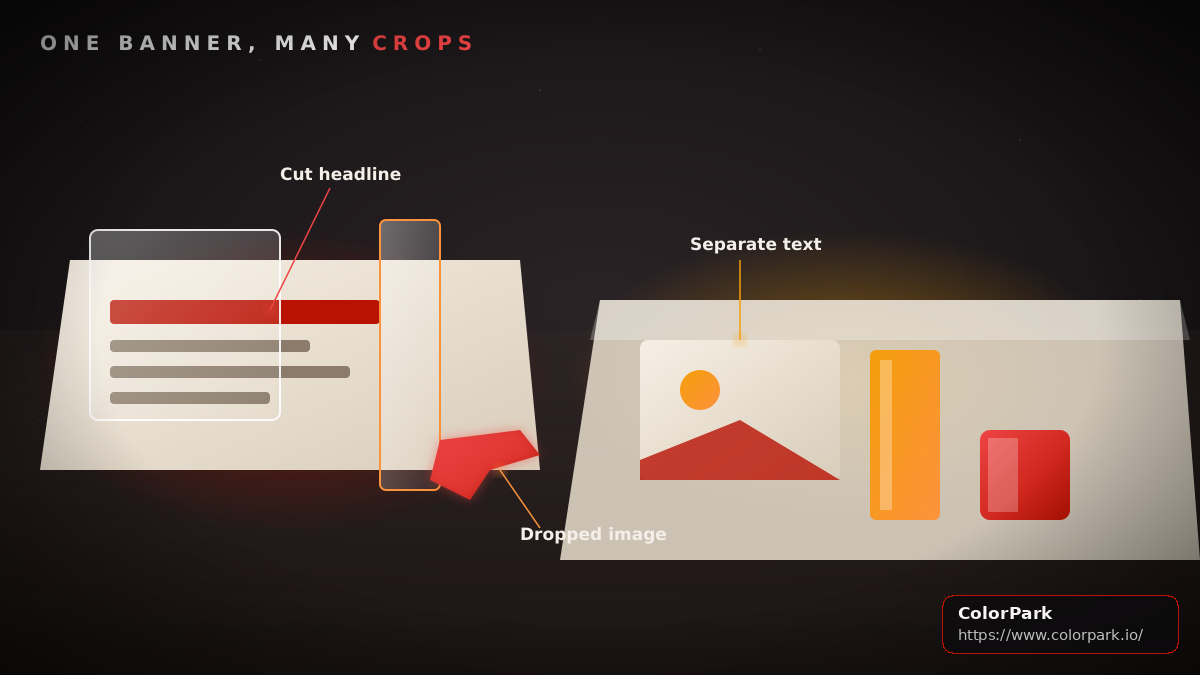
Google Display campaigns use two ad types, and they treat your artwork very differently. According to Google's About common sizes for responsive display ads page, static image ads "do not adapt to ad slots and do not evolve based on performance". They run exactly as you supplied them. Responsive display ads are the default type for the Display Network, and they "automatically adjust their size, appearance, and format to fit just about any available ad space".
That adaptation is where finished-looking banners break down. Google's Create a responsive display ad page also warns that "your ads may not show all of your assets" and that ads can sometimes run without images to reach more of the Display Network. Any message that exists only inside a picture can disappear without warning.
Worked example. Suppose your designer delivers one 1200 x 628 banner. The headline "Spring range now in stock", the logo and a product photo are all baked into that single image. A responsive ad may crop it into a square slot, cutting the headline in half. It may set the logo beside its own logo asset, so the brand appears twice. Or it may drop the image entirely, and the headline goes with it.
Now split the same message into separate assets:
- A 1200 x 628 landscape image (1.91:1) of the product, with no text in it
- A 1200 x 1200 square image of the same product
- A 1200 x 300 landscape logo (4:1) and a 1200 x 1200 square logo
- "Spring range now in stock" as a short headline (25 characters, inside the 30-character limit)
- A longer version as the long headline, under 90 characters
Now Google can combine those pieces at whatever size a slot needs. If the image is dropped, the headline and logo still appear.
Tradeoff. A static image ad gives you full control over the layout, but it never adapts to a slot it was not sized for. A responsive ad reaches more placements, but you give up control over the final arrangement. Many businesses brief both kinds of asset, and the brief has to say which kind each file is for.
Google Ads Image Sizes for Responsive Display Ads
The sizes below are as listed on Google's Create a responsive display ad page on 25 November 2026. Specs change, so re-check that page before you sign off exports.
| Asset | Ratio | Listed size | Minimum size | Maximum file size |
|---|---|---|---|---|
| Landscape image | 1.91:1 | 1200 x 628 px | 600 x 314 px | 5120 KB |
| Square image | 1:1 | 1200 x 1200 px | 300 x 300 px | 5120 KB |
| Landscape logo | 4:1 | 1200 x 300 px | 512 x 128 px | 5120 KB |
| Square logo | 1:1 | 1200 x 1200 px | 128 x 128 px | 5120 KB |
The same page sets these text limits:
- Short headline: at least 1 and up to 5, each 30 characters or fewer. The short headline is the first line of the ad (unless you have added promotional text for dynamic display ads).
- Long headline: 90 characters or fewer.
- Description: at least 1 and up to 5.
- Business name: shown exactly as entered, so Google advises checking spelling and capitalisation.
Three practical points follow from the table.
First, a minimum is not a target. A 600 x 314 landscape image meets the minimum, but ask your designer to export at the listed 1200 x 628. If a smaller file is ever needed, it can be produced from the larger one, but a small file cannot be scaled up without losing quality.
Second, 5120 KB is a ceiling, not a guide to quality. Ask for exports that stay under it, and confirm the currently accepted file formats in Google Ads Help before your designer exports, because the brief should name them.
Third, add a "spec checked on" field to your brief. When the campaign is refreshed months later, that date shows whoever picks it up whether the sizes need to be confirmed again.
The Asset Inventory to Request, Including Performance Max
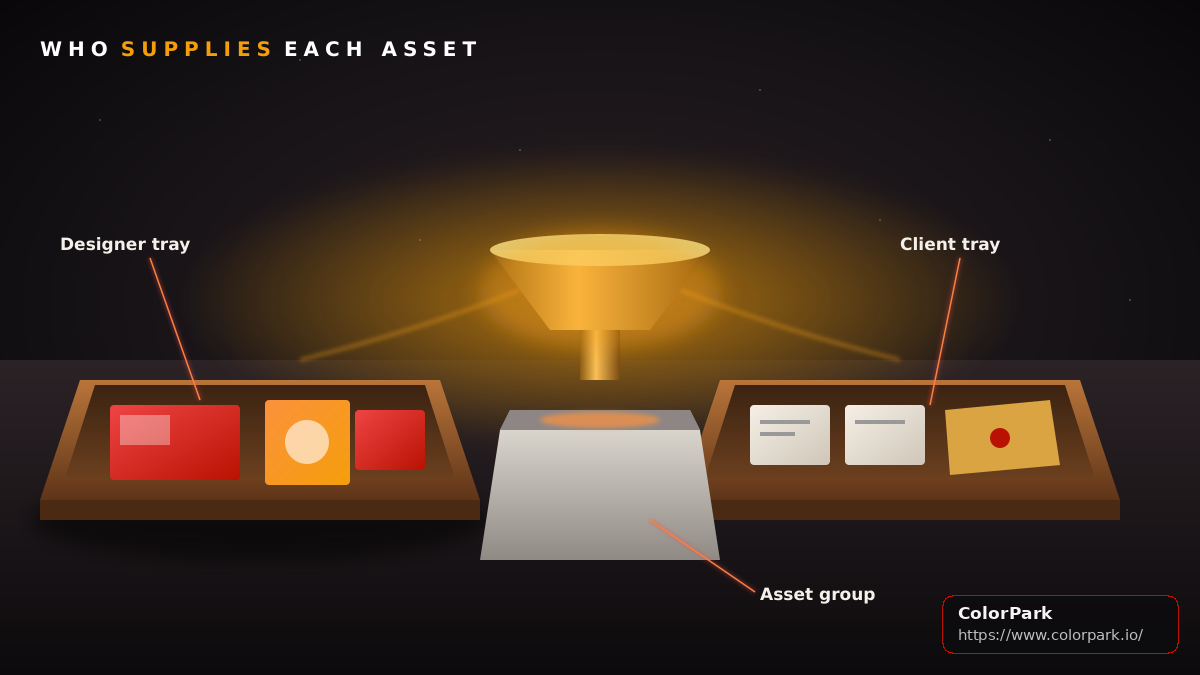
Performance Max works on the same mix-and-match principle. Google's Performance Max help page describes asset groups as "collections of creative assets, like images, text, logos, and videos, centered on a specific theme or target audience". Google AI then "mixes and matches these assets to render tailored ads across all inventory". The same page says you "remain responsible for reviewing and ensuring compliance and accuracy of landing page content, and all dynamically generated assets".
Before you brief Performance Max work, check Google's current Performance Max asset specifications in Google Ads Help. Do not assume the responsive display sizes above carry over unchanged. The inventory below uses the responsive display sizes from the table.
| Asset | Size to request | Who supplies it | Notes |
|---|---|---|---|
| Short headlines | 1 to 5, max 30 characters each | Client (approved copy) | Designer can flag lines that will not fit |
| Long headline | 1, max 90 characters | Client (approved copy) | Written as a separate text asset |
| Descriptions | 1 to 5 | Client (approved copy) | Text, not part of the image |
| Business name | Exact spelling and capitalisation | Client | Appears exactly as entered |
| Brand files and usage rights | Master logo, colours, approved photography | Client | Confirm you hold the rights for ad use |
| Landscape image | 1200 x 628, 1.91:1 | Designer | Under 5120 KB |
| Square image | 1200 x 1200 | Designer | Under 5120 KB |
| Landscape logo | 1200 x 300, 4:1 | Designer | Under 5120 KB |
| Square logo | 1200 x 1200 | Designer | Under 5120 KB |
Design recommendation: write one brief per asset group theme. If you sell running shoes and trail jackets, brief two sets of images, headlines and descriptions. Do not mix both products into one group, where Google could pair a shoe headline with a jacket photo.
Common mistake: asking the designer to write headlines. Headlines are claims about your business. You need to approve them, because the ad will show them as entered and your account is responsible for them.
If you plan to use AI-generated imagery for any of these crops, for background, see Gemini 3.1 Flash: AI Images at 4K Speed, Finally. Whatever tool produces an image, confirm that it represents your product accurately before it goes into an asset group.
Crop-Safe, Policy-Ready Composition
Everything in this section is a design recommendation, except the two policy points marked as Google's.
Compose for both ratios from one source. Ask for a source image of at least 1200 x 1200 pixels. That size lets the square export use the full frame, while the 1200 x 628 landscape export comes from a horizontal band across it. Keep the subject inside that central band and leave a margin on every side. If the product sits near the top or bottom edge of the square, the landscape crop will cut it off.
Keep essential words out of the image. Headlines and descriptions are separate assets, and Google says ads may show without images. Text baked into a photo can be cropped, can repeat the headline beside it, or can vanish when the image is dropped. This is a crop-safety recommendation, not a stated Google policy on overlaid text.
Supply both logo shapes. A wordmark that only works wide will look tiny when squeezed into a square. Ask for a 4:1 version at 1200 x 300 and a square version at 1200 x 1200. If your brand has a symbol, the square version can be built around it. Check that the square logo still reads at small sizes, since Google lists a minimum of 128 x 128.
Worked before-and-after. The "before" is a promo graphic reading "F₹€€ SHIPPING!!!" in capitals over a product photo. Google's editorial requirements list "gimmicky use of words, numbers, letters, punctuation, or symbols such as FREE, f-r-e-e, and F₹€€!!" among examples that do not meet its standards. Separately, the promotion-text best practices on Google's Create a responsive display ad page note that "ALL CAPS and excessive punctuation may turn off users".
The "after" splits that graphic into separate assets:
- A clean product photo exported at 1200 x 628 and at 1200 x 1200, with no text, each under 5120 KB
- "Free two-day shipping" as a short headline (21 characters)
- A long headline that names the product and the offer in plain sentence case, under 90 characters
- The 4:1 and square logos as their own assets
The offer still appears in the ad, now as a text asset Google can place in any slot. It no longer depends on a crop or uses stylised symbols.
Tradeoff. Text-free images can look plain in a design review. Responsive ads still need them, because the layout is built at the moment the ad is served, not in the design file. If you want a fully art-directed banner with typography, brief it as a static image ad at a fixed size, knowing it will not adapt to other slots.
FAQ
Does Google use my landscape image in every placement? No. Responsive display ads adjust size, appearance and format to fit the space. Google also notes they may not show all assets and can run without images.
Are Performance Max image specs the same as responsive display specs? Do not assume they are. Check Google's current Performance Max asset specifications in Google Ads Help before your designer exports.
Who is responsible for text and images Google generates in Performance Max? The advertiser. Google's Performance Max page says you remain responsible for the compliance and accuracy of all dynamically generated assets.
Can a designer guarantee ad approval or performance? No. A designer can match the listed sizes and avoid the stylisation Google's editorial examples warn against. Ad review, campaign setup and spend are outside the design brief.
Should I put prices or offers inside the image? As a design recommendation, keep offers in text assets, where they survive cropping and image dropping.
Send Your Designer a Google Ads Asset Brief This Week
Copy this checklist into your brief:
- 1 to 5 approved short headlines, each 30 characters or fewer
- One approved long headline, 90 characters or fewer
- 1 to 5 approved descriptions
- Business name exactly as it should appear
- Master logo, brand colours and approved photography, with usage rights confirmed
- Landscape image at 1200 x 628 and square image at 1200 x 1200
- Landscape logo at 1200 x 300 (4:1) and square logo at 1200 x 1200
- Every export under 5120 KB, in a file format confirmed in Google Ads Help
- One theme per asset group, each with its own set of assets
- A "spec checked on" date, plus a note to re-check Performance Max specs
- A note on which files are for static image ads and which are for responsive or Performance Max assets
Keep the roles clear in the brief: the designer delivers crop-safe images and logo variants, and you own the copy, the rights, the campaign setup, the bidding and the ad spend.
Want a designer to take this on? See Marketing & social graphics.
Share Your Thoughts
Your email won't be published. We welcome your feedback, questions, or suggestions.